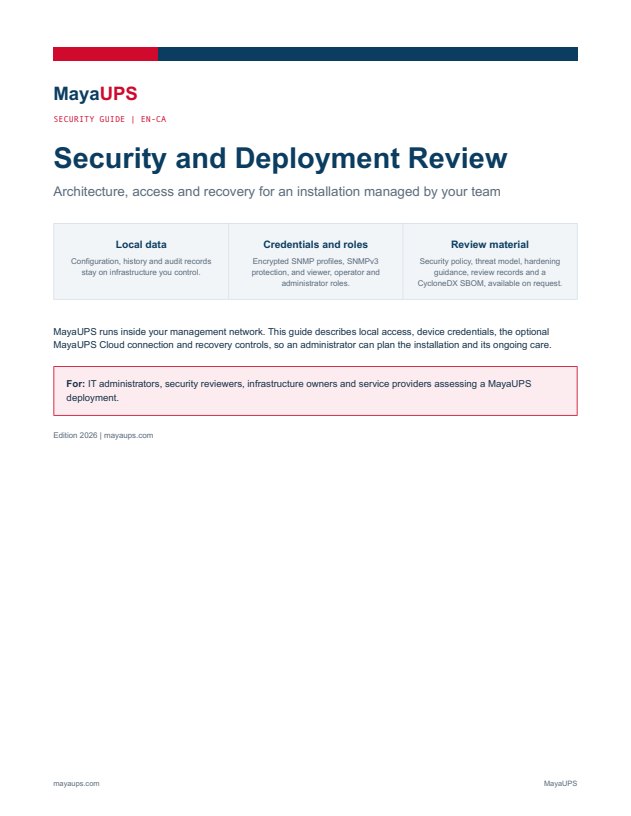
Security and Deployment Review
Edition 2026 | mayaups.com
Download the security guide
SECURITY
MayaUPS runs on your infrastructure, under your administrator’s control. Every control below is built into the product.
FOR YOUR SECURITY REVIEW
Four pages on the security controls in MayaUPS.
Edition 2026 | mayaups.com
Download the security guideThe threat model, hardening guide and CycloneDX software bill of materials are available on request.
Viewer, operator and administrator roles separate who watches, who responds and who configures. Passwords are hashed with argon2id. Sign in with local accounts, LDAP and Active Directory or RADIUS, with two-step codes. MayaUPS Cloud contacts have their own portal role.
Scroll across the table to see every role.
| Task | Local viewer | Local operator | Local administrator | Portal contact |
|---|---|---|---|---|
| Read fleet and device information | Yes | Yes | Yes | Permitted information for their organisation |
| Acknowledge a local alarm | No | Yes | Yes | No |
| Maintain monitored devices and battery records | No | Yes | Yes | No |
| Manage local users and notification settings | No | No | Yes | No |
| Configure and enable a shutdown event | No | No | Yes | No |
MayaUPS Cloud portal accounts are separate from local accounts and read-only.
SNMP and platform credentials are encrypted at rest, with Windows DPAPI by default. SNMPv3 with authentication and encryption protects traffic to the network cards.
The Windows and Linux agents authenticate to MayaUPS with mutual TLS. Each shutdown event runs a shutdown test before it is enabled, and an emergency stop disables every action at once.
The console is reachable only from its own server until you open it to your network, and then only over TLS. MayaUPS sends no product telemetry.
Every change to settings, users and shutdown events is recorded with who made it and when.
Updates are signed and checked before installation, with automatic rollback. The database is backed up daily and can be restored in one step.
A security policy, threat model, hardening checklist and CycloneDX software bill of materials are available for your review.
Report a suspected vulnerability to info@mayaups.com, with the affected product, the steps to reproduce and the expected impact. Leave out passwords and site keys.